
Build your exam plan
Add your exams, set dates, create topics, assign topic weightings, and define the study hours you realistically have each week.
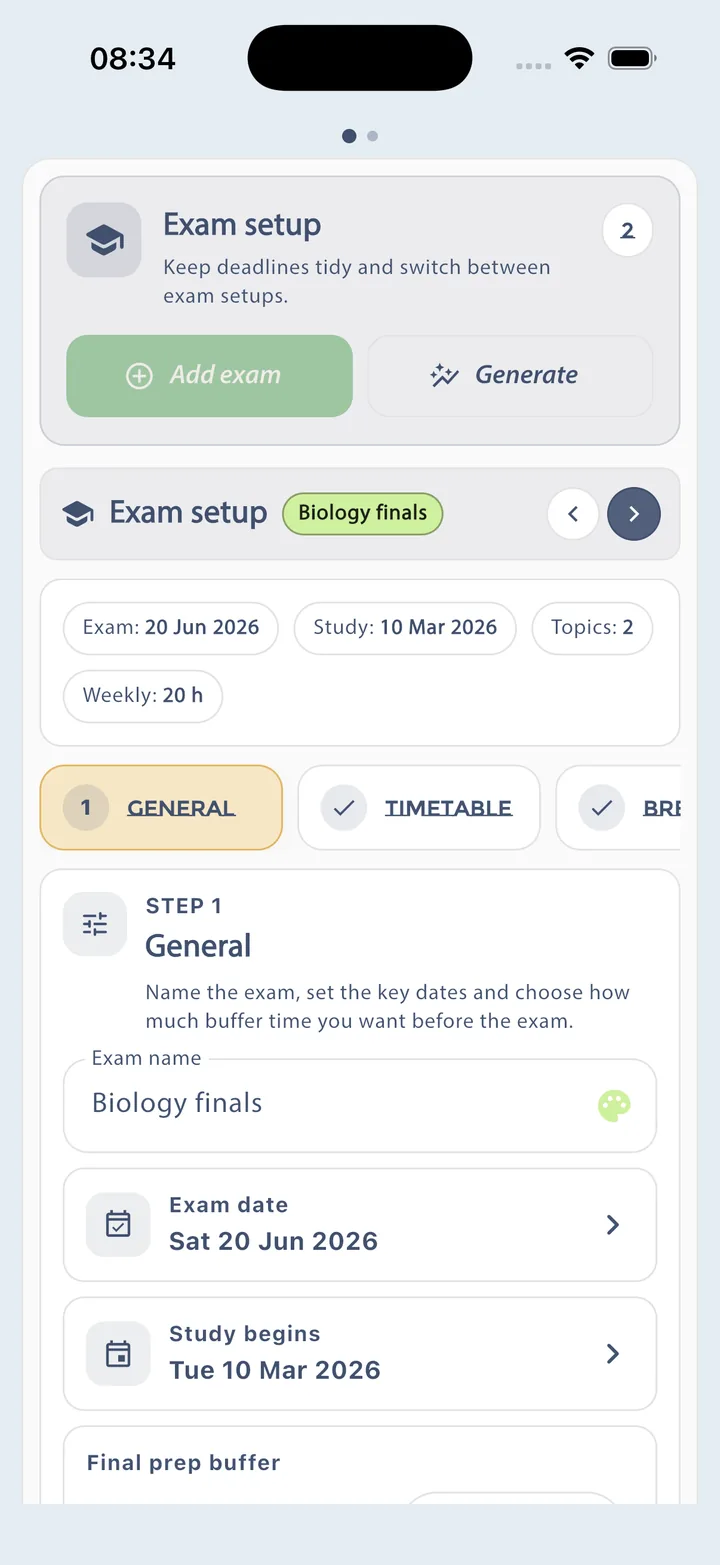
- Exam setup wizard.
- Topic breakdowns and timetables.
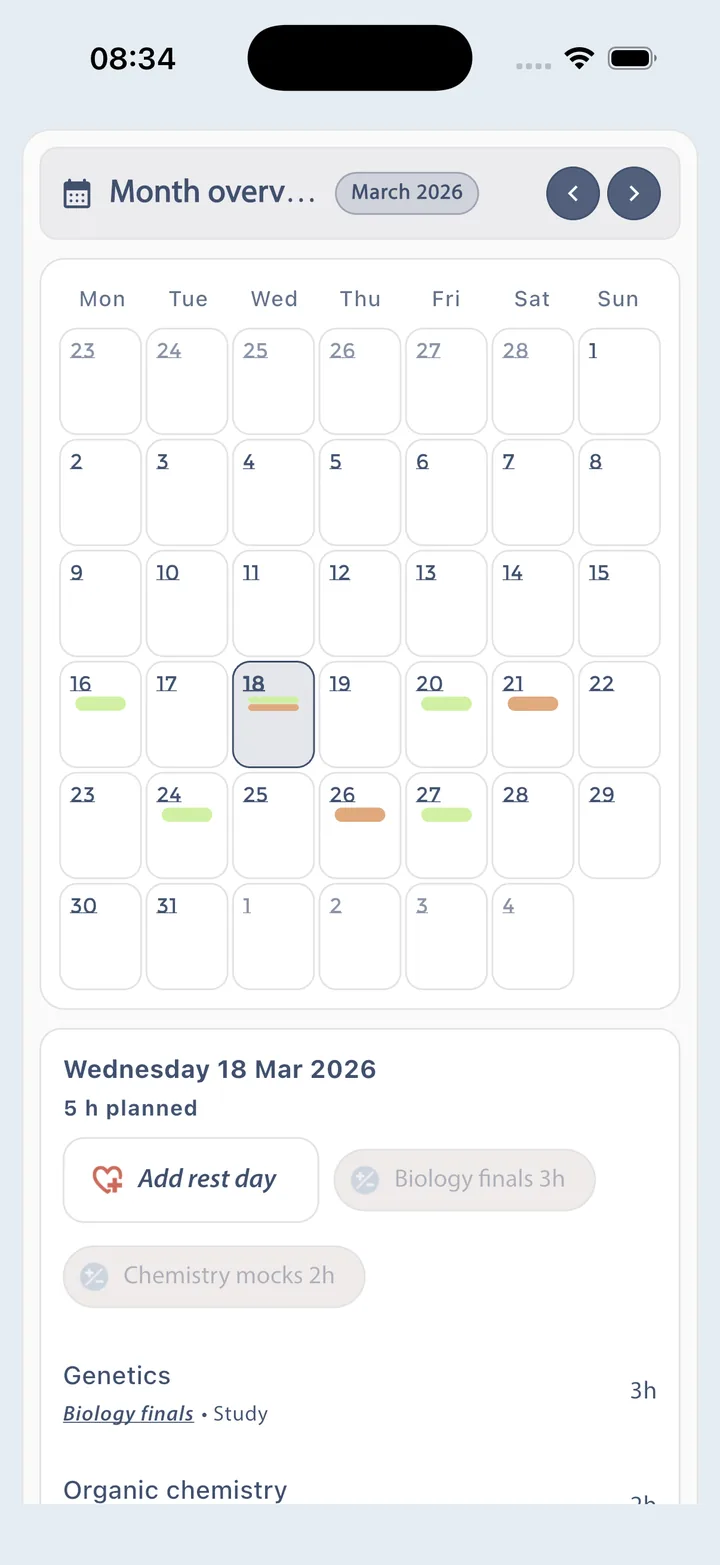
- Monthly planning view.
Study planner app for exam prep
Planner Pig is a study planner app that helps students build realistic revision timetables, organise daily study schedules, turn topics into actionable tasks, track progress every day, and stay accountable with clear analytics and buddy features.
Start on the web app now, create a realistic exam study plan, break it into manageable tasks, and keep momentum with daily progress tracking, reminders, and accountability features.
Overview
Planner Pig is a study planner app for people who want a clear route from exam setup to daily revision. You add the exams you are preparing for, split the syllabus into topics, assign realistic study hours, and then turn the plan into tasks you can finish one session at a time. The web app keeps monthly, weekly, and daily views in sync so you can see what matters today, what is coming next, and what still needs catch-up time. It also supports reminders, progress tracking, study history, and buddy activity, which makes the plan easier to stick with when motivation dips. For larger qualifications, Planner Pig includes importable templates so you can start from a real topic structure instead of a blank page. It works as a bridge between planning and doing, so a busy week does not wipe out the whole plan.
How It Works
Planner Pig is more than a timetable generator. It helps you create a revision timetable, turn that plan into work you can actually complete, and keep adjusting your study schedule when real life gets in the way.
Add your exams, set dates, create topics, assign topic weightings, and define the study hours you realistically have each week.
Switch from planning into action with Calendar Cat, List Lemur, and Progress Panther so every study session has structure.
Review what changed this week, monitor your study history, unlock richer progress stats, and share selected activity with buddies.
Feature Stories
Planner Pig + List Lemur
The planning engine helps you shape an exam schedule around available time, then List Lemur lets you break big topics into practical tasks such as reading, revision questions, or summary notes.
Calendar Cat + Progress Panther
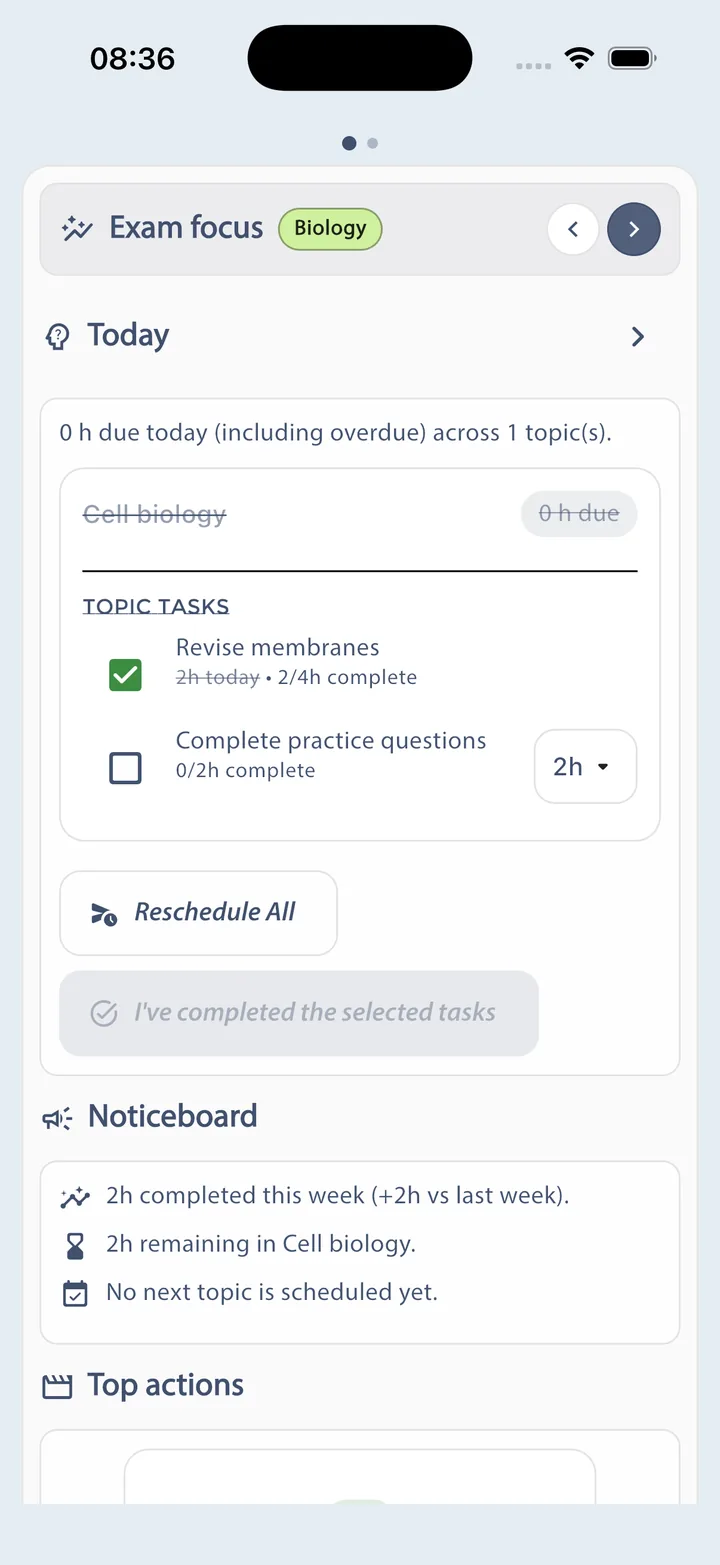
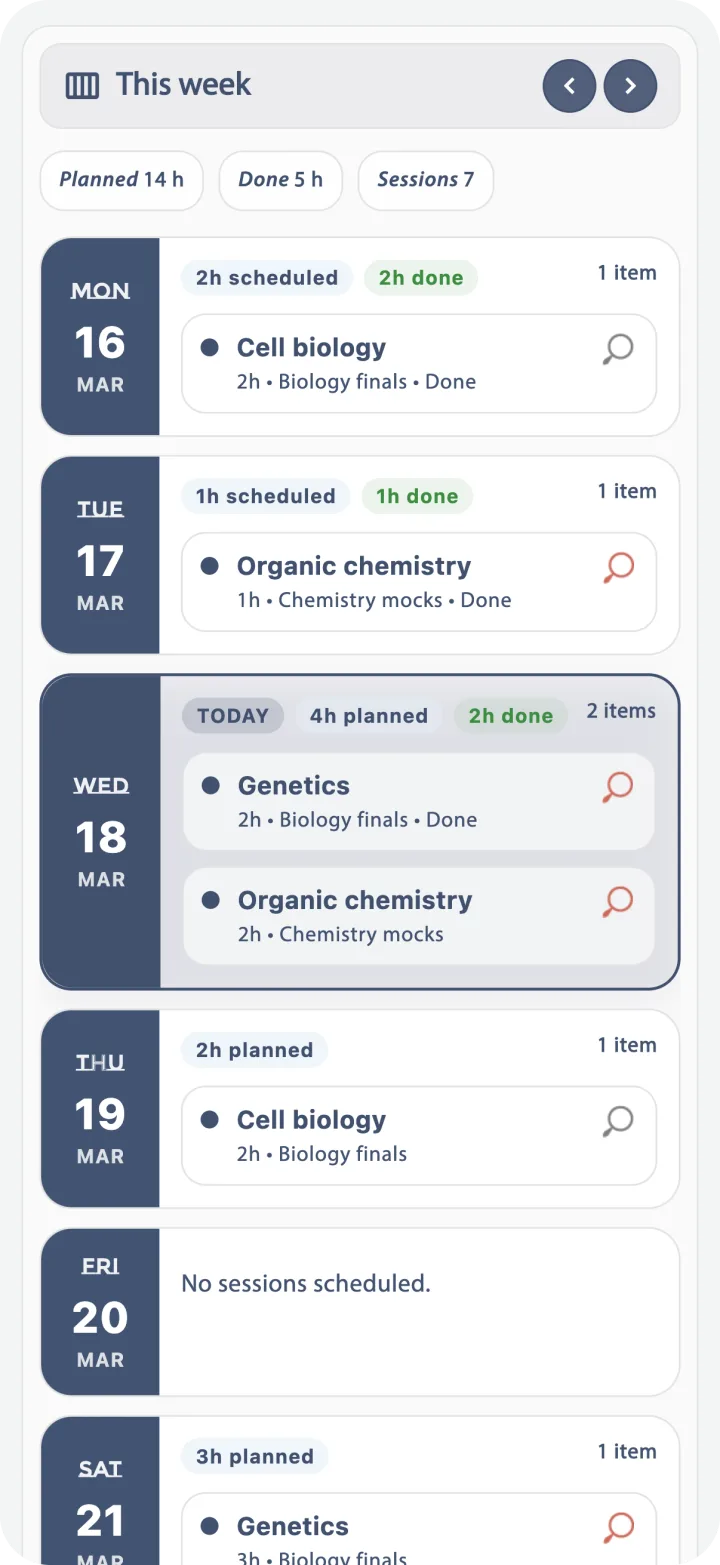
Calendar Cat shows planned sessions, while Progress Panther expands that into a daily action view with tasks, completion controls, and catch-up tools for unfinished work.
Overview Owl + History Horse + Bar Chart Bear
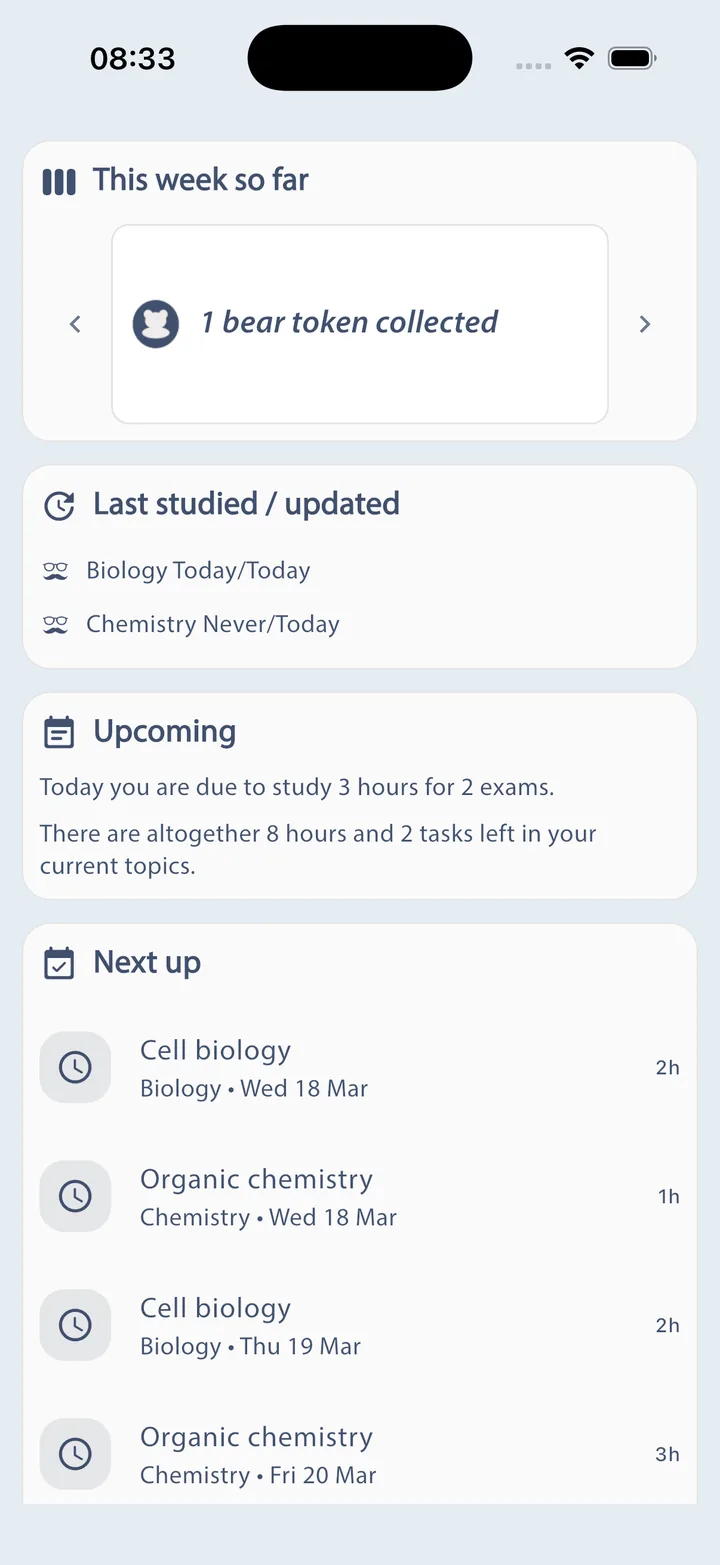
Planner Pig surfaces what matters now: what you studied recently, what is next, how many hours you are actually completing, and how your long-term progress is building over time.
Social Squirrel + Notifications + My Account
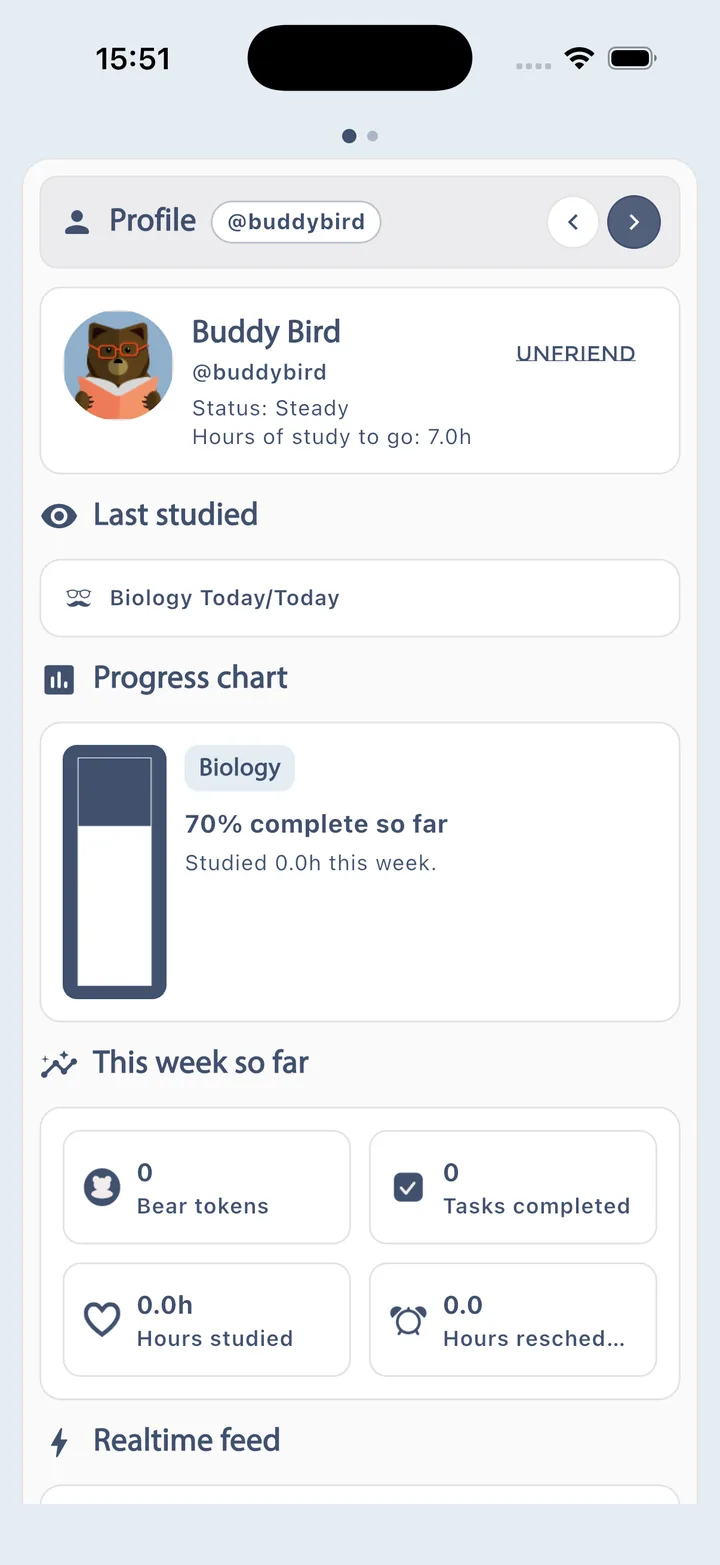
Planner Pig supports sign-in, profile setup, notification preferences, and a social layer for buddy requests, shared snapshots, and realtime motivation.
Inside The Product
The animal-led navigation is more than branding. Each screen focuses on a specific part of the study loop so Planner Pig stays understandable as your workload grows.
 Planner Pig
Set up exams, topics, study hours, monthly commitments, and the plan engine itself.
 Overview Owl
See last studied activity, weekly achievements, and what is coming next at a glance.
 Calendar Cat
Review scheduled sessions, topic pacing, and upcoming study blocks in calendar form.
 List Lemur
Break topics into practical tasks that turn broad revision goals into concrete actions.
 Progress Panther
Update daily progress, mark work complete, and recover from missed study time.
 History Horse
Track completed work, milestones, and token-style rewards for staying consistent.
 Bar Chart Bear
Monitor exam-by-exam progress with clearer charting as your study status climbs.
 Social Squirrel
Connect with buddies, compare snapshots, and stay motivated through shared progress.
 Support Tools
Manage reminders, profiles, contextual help, account settings, and direct contact options.
Exam Templates
Planner Pig includes a searchable in-app template library with 133 exam templates across professional, finance, accounting, actuarial, and admissions pathways. Pick a qualification, preview the weighted topics, and import the structure straight into your study plan.
Template import flow
The app lets users choose which exam to import into, search the template library, preview topic counts and weights, and decide whether to merge with existing topics or replace the current structure.

10 topics · total weight 102
Investment
Bring in weighted topic structures for ethics, financial statement analysis, equity, fixed income, derivatives, and portfolio management.
Current library examples: CFA Level 1, CFA Level 2, and CFA Level 3.
Accounting
Import structured topic lists for papers across the ACCA pathway, from BT, MA, and FA through AFM, APM, SBL, SBR, AAA, and ATX (UK).
Example template depth: ACCA SBL includes 33 importable topics.
Management
Start with topic maps for BA, E, F, and P papers so management accounting and case-style preparation already has a framework on day one.
Current library examples include BA1-BA4, E1-E3, F1-F3, and P1-P3.
Licensure
Give US accounting candidates a faster start with ready-made topic groupings for Core and Discipline papers such as FAR, AUD, REG, BAR, ISC, and TCP.
CPA Core - FAR, AUD, and REG are already represented in the import library.
Markets
Support investment-management learners with structured imports covering financial markets, ethics, regulation, client advice, accounting, and portfolio management.
Current library examples: IMC Unit 1 and IMC Unit 2.
 More pathways
The template library also reaches beyond the headline qualifications, giving students extra starting points for admissions, financial planning, and actuarial routes.
Examples currently in the app include CFP, GMAT, and multiple IFoA papers.
Qualification names above are shown to reflect the current import library inside Planner Pig. They are used here to describe supported study templates, not to imply endorsement by awarding bodies.
Blog
Practical articles for planning better revision, staying motivated, and making exam prep feel more manageable.

Study planning
Learn how a study plan turns vague exam pressure into clear weekly actions, realistic targets, and better momentum.
Read article
Case study
A worked example showing how to split a large exam into topics, hours, and tasks that you can actually manage.
Read article
Case study
A more creative planning example for a practical exam where practice, repetition, and pacing matter just as much as content.
Read article
Motivation
Practical ways to get started when studying feels unappealing, overwhelming, or easy to postpone.
Read article
Exam tips
A reminder of the common traps that make revision feel busy but not effective, plus a few healthier habits.
Read article
Career choice
Questions to ask before committing to a long qualification route, from career value to the time you'll need to give up.
Read articleShowcase
Platforms
Planner Pig is live on the web at app.plannerpig.com. It is also available on Google Play, the App Store for iPhone, and the Mac App Store, with the Windows link appearing here when that release opens.
Need early access, school rollout details, or partnership info? Email the team.
FAQ
You can plan exams, build topic structures, generate study schedules, create task lists, update daily progress, review charts and history, configure reminders, and share selected progress with buddies.
No. Planner Pig is designed for iPhone, Android, Windows, Mac, and Web so the core experience can travel with you.
Planner Pig supports planning multiple exams, each with its own topics, timetable rules, and progress history.
Yes. Planner Pig is built for ongoing updates, including timetable changes, topic changes, rescheduling, and catch-up actions when your study pattern shifts.
Planner Pig is already live on Web, Android, iPhone, and Mac. Use the launch update contact link on this page if you want Windows availability details when that release opens.


